



I spent the better part of my career as a strategist (most recently as head of strategy at Complex) but travel planning is where that instinct was always most at home. Long before I was applying it professionally, I was the one in my friend group with the organized spreadsheet, the deck of options, all the strongly held, deeply researched opinions.
When it comes to travel planning, I’m of the mindset that people fall into two camps: people who enjoy the process of planning, and people who would literally rather do anything else. Me, personally? I’ve always thought planning a trip should feel as good as taking one. But I do see the other side–especially when the trip you’re planning is one for a group. Links fly around in DMs and emails and multiple text threads and it becomes impossible to keep track of. Screenshots pile up in your camera roll. What should feel exciting starts to feel like a second job. But the more I’ve traveled, the more I’ve realized that instead of this being a people problem, it’s really a systems problem.


This is where Adobe Acrobat’s PDF Spaces comes in.
What a good system actually looks like
The way I plan any trip starts well before I’ve booked anything. After all, I’m nothing if not a researcher. I want to know the neighborhood before I pick the hotel, the restaurant scene before I build the itinerary, the cultural context before I put together a list of things to see. I keep notes on destinations I’m not even actively planning to visit yet, because the best trips I’ve ever taken started as an idea I’d been sitting with for a while.
For my most recent trips, this process has mostly existed in a loose constellation of saved posts, phone notes, and Pinterest boards that ultimately cohere into some kind of digital outline by the time I land. For group trips, that system breaks down immediately, because it relies entirely on me being the only one who needs to access it.
A good group trip system has a few things in common: everything lives in one place, it’s visible to everyone, it updates in real time, and it doesn’t require a tutorial to use. And that last one matters a lot more than people realize. I’ve built a few itineraries in Wanderlog, which sounds great until you’re fielding calls from four people who have never heard of the tool before in their entire life, much less know their way around it. A Google Doc works until six people are editing it at once and nobody knows which version is current and oh god someone just accidentally deleted the entire thing?? The tool has to be frictionless for people to actually use it.
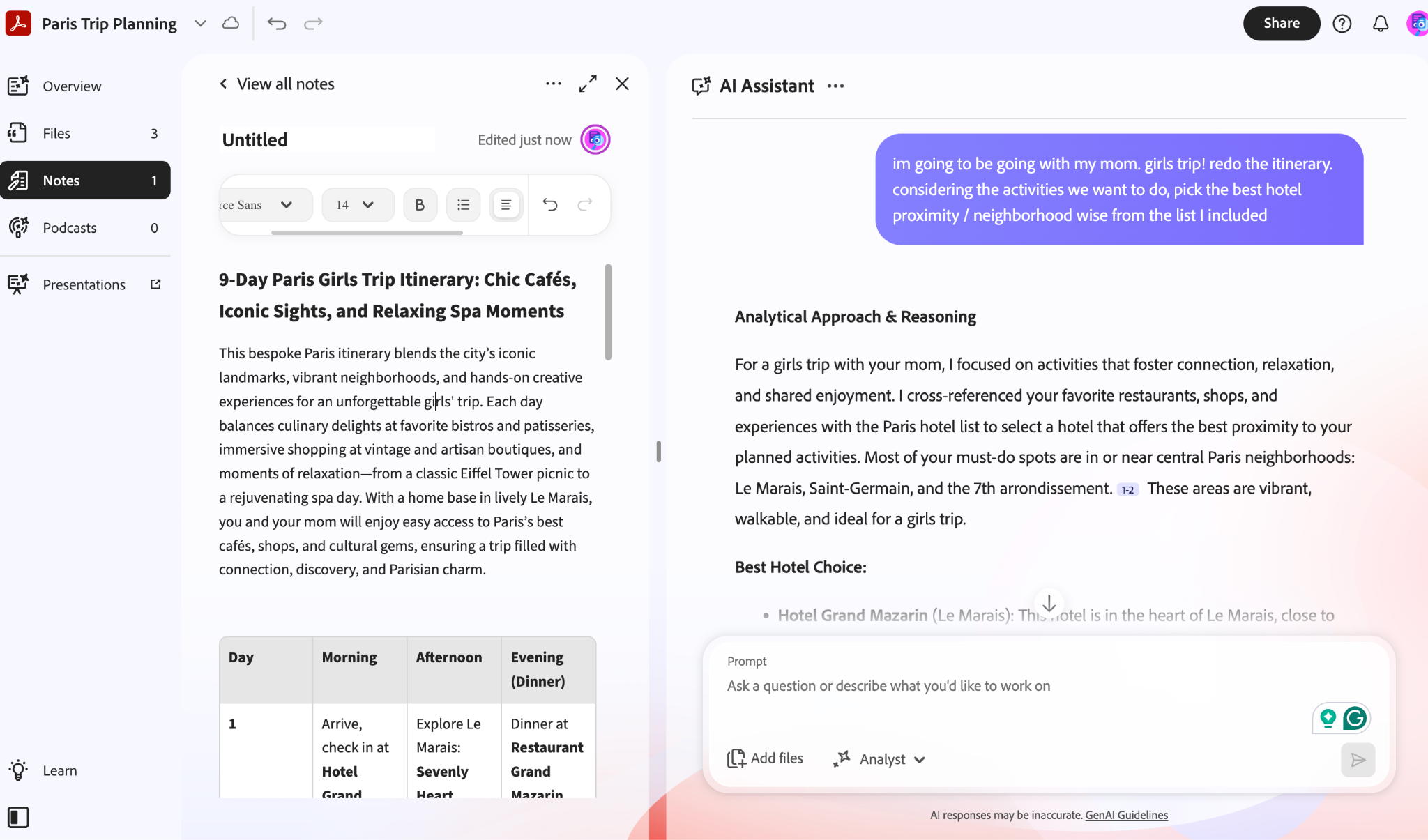
The tool I wish I’d had sooner
I’ve written before about the tools I use to plan trips: the apps, the references, the systems that keep an itinerary from becoming a notes app nightmare. But I’ve never written about the one piece that was always missing, aka a tool for planning with other people. Enter: Adobe Acrobat PDF Spaces and its new sharing capabilities. I’m no stranger to the Adobe ecosystem. I’ve actually been using Adobe Photoshop & Illustrator daily for my brand identity work for over a decade at this point. (If you’re curious what that looks like in practice, you can see some of it over at my creative arm, V1 Projects.) So when Adobe brought this to me, I was already curious as I’ve long been a power user.
PDF Spaces is a shared, guided, and interactive experience where you can collect and organize everything relevant to a trip: hotel options, restaurant shortlists, saved itineraries, confirmed bookings, neighborhood guides…anything you’ve accumulated in the research phase. It works for group planning specifically because it’s genuinely easy to share and navigate, even for the members of your group who are not, shall we say, the spreadsheet people. Additionally:
It’s not like other AI tools that train on your inputs. The platform is super secure so you can feel 100% confident that uploading any personal info like hotel and flight bookings will stay private.
The new sharing capabilities offer new ways to collaborate with whoever you’re traveling with. Anyone can view a PDF Space for free—no account or sign-in required.
Oh, and you can turn your entire PDF Space into a podcast-style summary. As in, an audio overview you can listen to hands-free: either a quick summary or a full deep dive, depending on how much you want to absorb at any given moment. (I did not have "Adobe gives me a travel podcast" on my 2026 bingo card but I am fully here for it!)
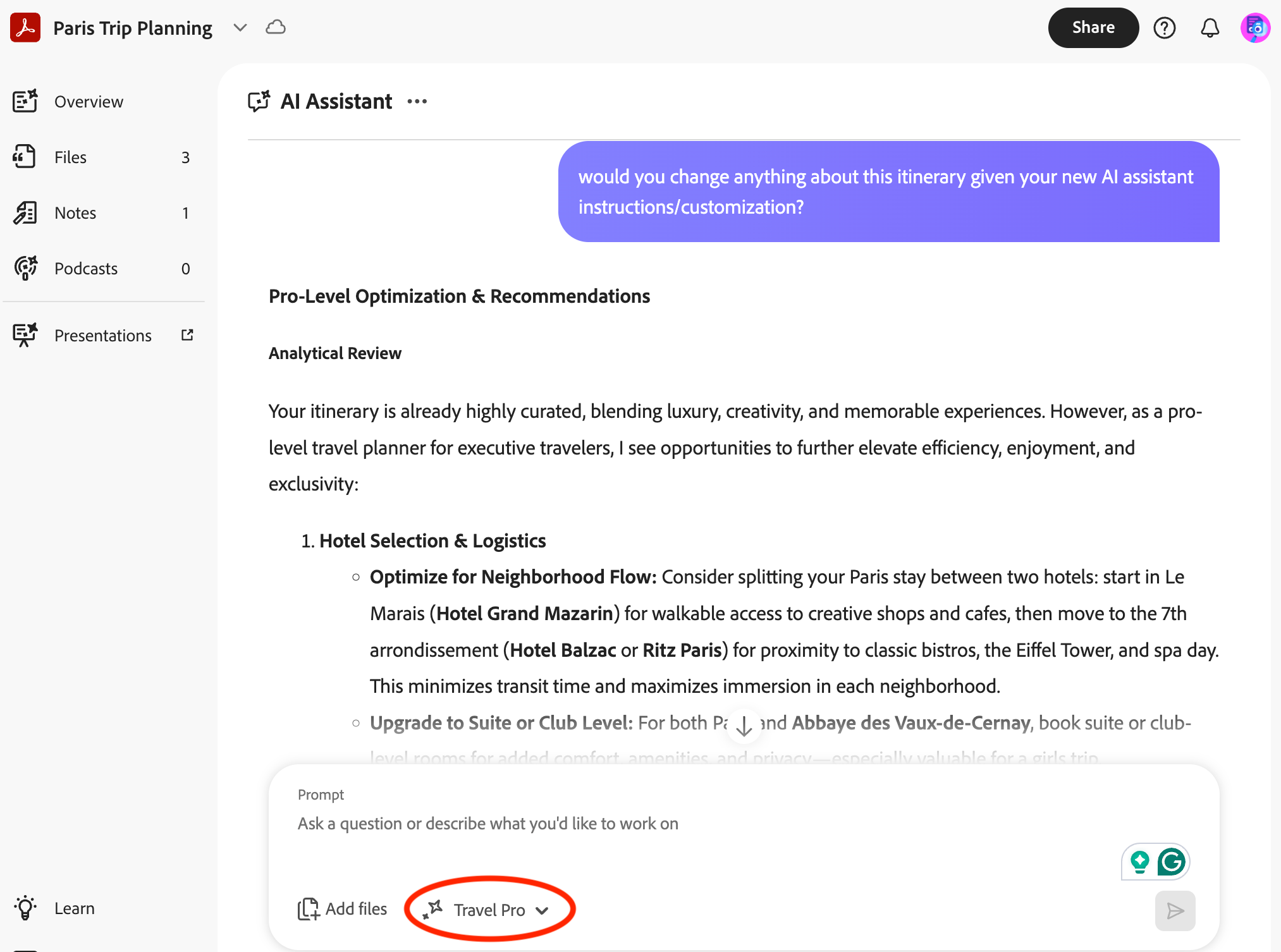
You can give the AI Assistant a distinct personality, customized to be as brutally honest or “I’m gonna hold your hand when I say this” as you want, with room to get even more specific from there. I set mine to full type-A, pro-level travel planner mode and have, frankly, never felt more seen.
The group trips that need this ASAP
The bachelorette. Large group, compressed timeline, someone whose preferences you’re trying to honor while keeping at least part of it a surprise, and approximately one person doing 90% of the planning while the rest of the group sends the occasional (hopefully not passive-aggressive) thumbs-up emoji. A shared PDF Space gives the planner somewhere to organize the full picture and share selectively. So, you can make confirmed details visible while hiding options still under consideration.
The family trip. I’m sure you can picture the planning thread for this one: multiple rooms, different dietary needs, activity options across a wide range of ages and energy levels, and at least one family member who will absolutely call you nonstop if the tool is even slightly confusing to use. A shared PDF Space holds all of it in one place and is simple enough that no one needs tech support to find the dinner reservation.
The friend group city trip. A few friends, one long weekend, everyone has one non-negotiable and strong opinions about at least two things they’d rather not do. This is where a single organized link–itinerary, reservations, the hotel address, whose non-negotiable falls where–saves everyone from a major miscommunication the morning of.
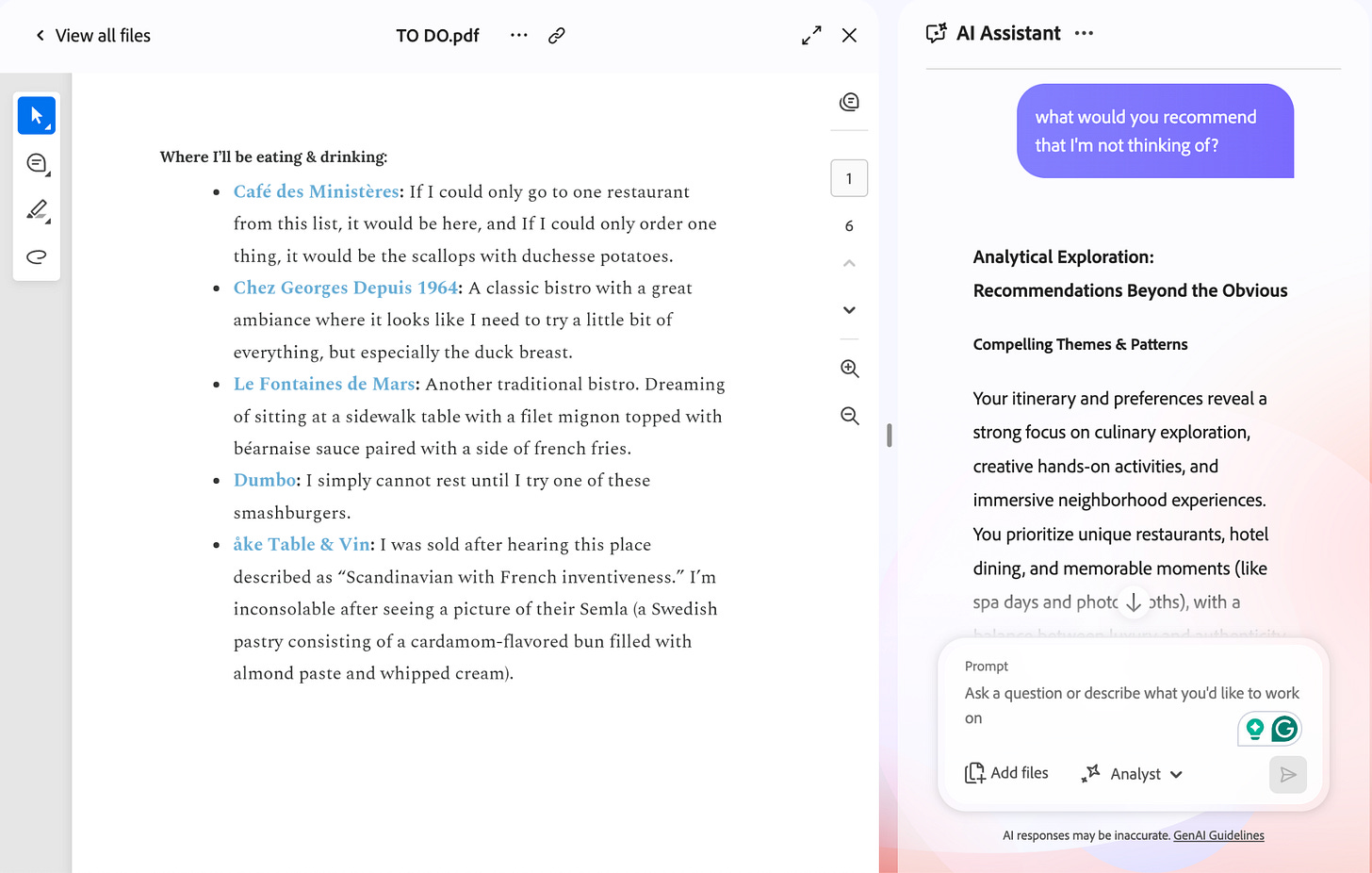
I uploaded my own Paris yet-to-do doc (an excerpt from my Paris guide) and asked the AI Assistant what I was missing. It actually read the whole thing and made useful suggestions!
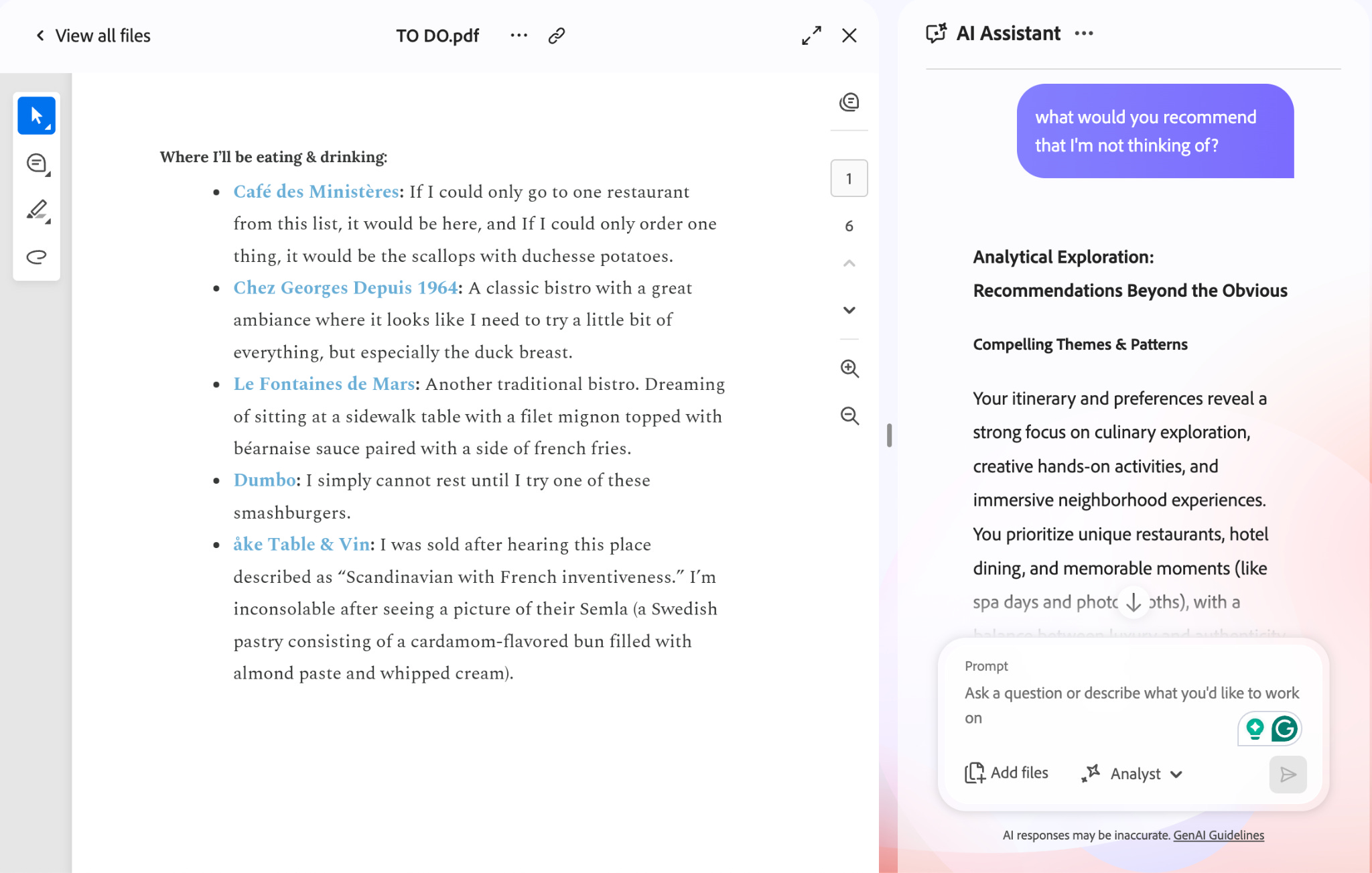
Ultimately, the best group trips won’t feel overly planned, they’ll just feel easy. Because when the right system is in place, planning a trip with others should feel exactly like what it is: the first part of an amazing vacation, not a stressful group project.
Tori Simokov is a Travel Writer and Graphic Designer/Strategist based in New York. To get in touch, email tori@v1projects.com. Want more? Check out Instagram, TikTok, or shop her curated favorites.
I wish they had something like this when I was young and traveled more. Would have made things soooo much easier!
Love this!!